
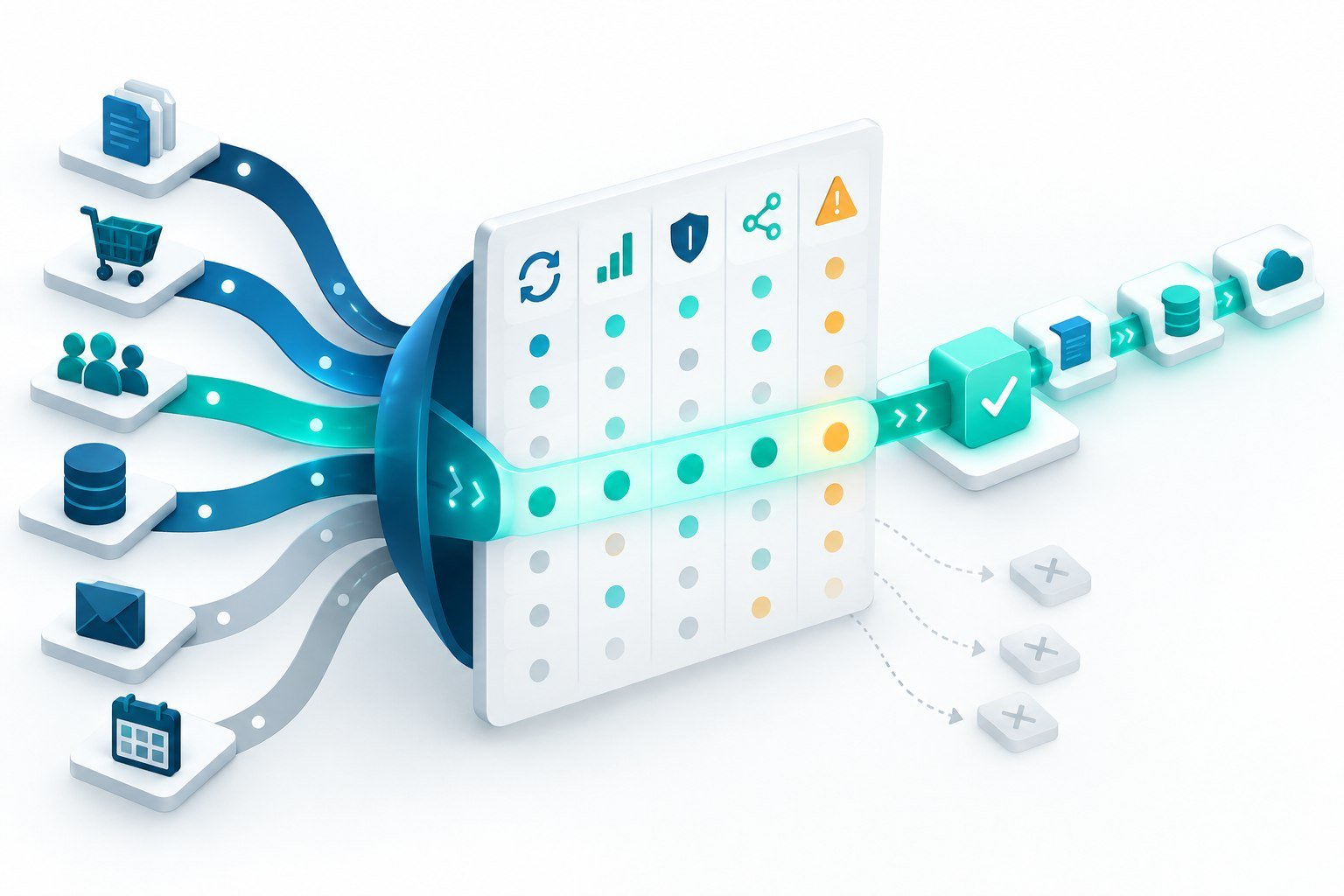
Make is a visual automation platform for connecting apps, APIs, data, and AI actions. It is a useful candidate for US businesses that want process owners and technical teams to inspect the same scenario on a canvas. The value is not the canvas alone. A production scenario must also have a clear trigger, data contract, error path, owner, and change process. This guide shows how to evaluate Make without confusing a quick demo with a reliable business system.
Where Make fits in an automation stack
Make is designed for workflows that move information between SaaS products, APIs, and internal services. A scenario can watch for an event, transform or filter data, call another service, and notify a person or queue. The visual route makes branching and sequencing easy to explain during design reviews. The platform advertises more than 3,000 verified app integrations, while HTTP and webhooks provide a path for systems that do not have a ready-made connector. Verify current app coverage and plan limits in the official Make product overview before committing to a roadmap.
Use Make for repeatable coordination rather than for every computation. A workflow that only renames a file may be fine. A workflow that calculates revenue recognition, makes a credit decision, or becomes the only copy of a customer record deserves a more controlled service boundary. Make can orchestrate that boundary, but the source system should retain ownership of critical business logic.
Start with a narrow, measurable scenario
Choose one process with a visible queue and a measurable outcome. For example, route a qualified form submission to the correct owner, enrich it, create a task, and record the result. Write the current manual steps before opening the builder. Then specify the desired trigger, required fields, expected volume, service-level target, and definition of success. A narrow pilot exposes duplicate events, missing data, permission problems, and human review requirements before they spread across the business.
Implementation checklist
- Define the data contract. List fields, formats, allowed values, and the system that owns each value.
- Make retries safe. Store an external event ID or idempotency key before creating a record or sending a message.
- Separate environments. Use test connections and representative sample data before enabling production routes.
- Control access. Assign scenario editing, connection management, and run-history access to different roles when the business requires it.
- Plan rate limits. Record the limits of every downstream API and decide whether to queue, delay, or drop non-critical work.
- Document ownership. Name the process owner, technical maintainer, escalation path, and review date.
Make and AI-assisted automation
Make also presents AI tools and AI agents that can work inside a visual scenario. An AI step can classify an inbound request, extract structured fields, draft a reply, or select from a limited set of tools. Treat this as a probabilistic component. Give it only the context it needs, define the output schema, and validate every field before a downstream action. For customer or financial workflows, add a manual approval branch or deterministic policy check. Keep prompts, model versions, tool permissions, and evaluation examples under change control.
Observability for non-technical owners
Visual automation becomes easier to operate when the run history answers three questions: what started, what changed, and where did it stop? Capture a correlation ID, outcome, duration, retry count, and business record ID. Avoid sending secrets or unnecessary personal data into logs. Create alerts for repeated failures, unusual volume, and actions that exceed an expected threshold. A process owner should be able to pause a scenario, contact the right maintainer, and explain the impact without guessing.
Security and governance questions
Review where credentials are stored, which users can reuse connections, and whether a scenario can call an endpoint outside the approved vendor list. Use least privilege and rotate credentials on a schedule. Classify data before it enters a third-party step. For US teams serving customers in multiple states, involve legal and security owners when a workflow handles sensitive personal information, health information, payment data, or regulated communications. Keep an inventory of scenarios so an old test flow does not continue to move live data.
When another approach is better
A native integration may be simpler for a two-system handoff that needs no transformation. A queue and worker service may be better for very high volume, strict ordering, or long-running jobs. Custom application code may be the right home for complex pricing or authorization rules. Compare build time, operating time, failure recovery, and ownership. A visual scenario is only successful when the organization can maintain it after the original builder moves to another project.
How to evaluate Make in a US business
Run a two-week pilot with a low-risk process and real volume samples. Test malformed webhooks, duplicate events, expired credentials, rate limiting, partial outages, and a human approval rejection. Ask a non-author to trace the scenario and explain its recovery path. Estimate operations time, API usage, and the cost of reprocessing. Confirm that the plan you choose supports the controls your security and support teams expect, because feature and plan availability can change.
How DeepVention Labs can help
DeepVention Labs helps US teams connect Make to a broader operating model. Our workflow automation engineering service can translate a manual process into a bounded scenario, build API and webhook integrations, add validation and approvals, and define a runbook. Start from the official Make product details, then validate the design against your own data, volume, and ownership constraints.
Questions to answer before launch
Ask whether a process owner can read the scenario without the original builder, whether a failed bundle can be replayed safely, and whether each connection is limited to the required data. Confirm how a scenario is paused during an incident and how queued work is reviewed afterward. Test an app version change and a webhook with an extra or missing field. For AI actions, store the approved prompt, model, and output schema with the scenario change. A short operating review before activation often finds more risk than another round of visual polishing.
Bottom line
Make is a strong fit when a US team needs visible, flexible orchestration across many applications and wants process owners to understand the flow. Treat the canvas as an interface to a real system. Add contracts, permissions, retries, logs, evaluation, and ownership before the scenario becomes business-critical.
Building a system around this problem?
Explore the engineering services behind secure AI agents, intelligent applications, and workflow automation.