
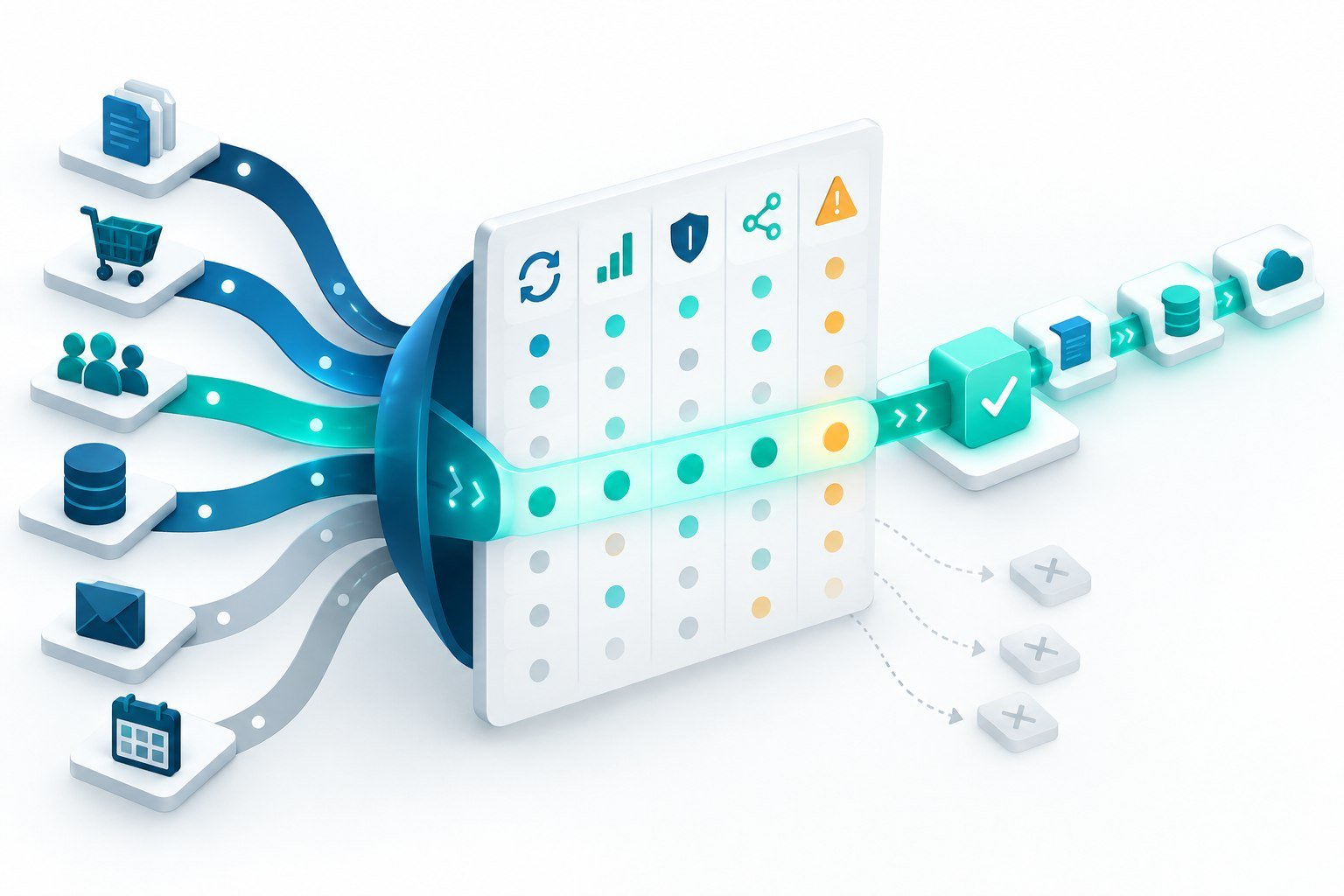
Business process automation turns repeatable work into a reliable system. Instead of asking people to copy information between tools, chase routine approvals, or rebuild the same report every week, an automated workflow moves data and coordinates the next step according to clear rules.
The hard part is rarely finding something that could be automated. The challenge is choosing a process that is valuable, stable, and safe enough to automate first. A focused starting point creates evidence quickly and gives the team a pattern it can reuse across other operations.
What is business process automation?
Business process automation uses software to complete or coordinate recurring steps across people and systems. A workflow may begin when a form is submitted, an email arrives, a payment succeeds, a record changes, or a scheduled time is reached. It can then validate information, update applications through APIs, notify the right person, request approval, and record the outcome.
Automation does not have to remove people from a process. In many useful workflows, software handles predictable work while a person reviews exceptions or approves decisions with financial, legal, or customer impact.
Look for processes with the right signals
A strong automation candidate is repeated frequently, follows understandable rules, and uses information that is available digitally. It also has a visible cost when performed manually, such as delay, errors, duplicated effort, missed follow-ups, or poor customer experience.
- The same steps happen several times each week or month.
- People copy data between email, spreadsheets, a CRM, and other applications.
- The process depends on reminders or manual status checks.
- Most cases follow rules, while exceptions can be routed to a person.
- The result can be measured through time saved, response time, accuracy, or conversion.
Avoid beginning with a process that changes every week or relies on decisions nobody can clearly explain. Automating confusion usually makes it run faster without making it better.
Map the workflow before selecting tools
Write down the trigger, required inputs, decision points, system actions, human approvals, exceptions, and final outcome. Identify which application owns each important record. This simple map exposes missing rules and prevents the automation platform from becoming an accidental source of truth.
For example, a qualified-lead workflow might receive a website form, validate and enrich the submission, check for an existing CRM contact, assign an owner, create a follow-up task, and notify a sales channel. Invalid or high-value submissions can follow separate review paths.
Prioritize value, feasibility, and risk
Score each candidate process across three dimensions. Value covers saved effort, faster service, fewer errors, and revenue or customer impact. Feasibility considers API access, data quality, rule clarity, and implementation effort. Risk includes sensitive data, irreversible actions, regulatory requirements, and the cost of a wrong result.
The best first project usually has meaningful value, straightforward integrations, and manageable risk. It should be large enough to matter but narrow enough to launch and evaluate without redesigning the entire organization.
Choose the right automation approach
Tools such as n8n are well suited to event-driven workflows that connect APIs, databases, forms, messaging systems, and AI services. Direct application code may be a better fit when the workflow is central to a product, requires complex transactions, or must operate at high scale. Robotic process automation can help with older interfaces that lack APIs, although it is usually more sensitive to screen changes.
AI adds value when a step involves unstructured information, such as classifying a message, extracting fields from a document, summarizing context, or preparing a draft. Keep deterministic rules around permissions, calculations, required fields, and high-impact actions. Model output should be validated before another system treats it as data or an instruction.
Build for failures and exceptions
A production workflow needs more than a successful path. Define what happens when an API times out, credentials expire, a required value is missing, a duplicate event arrives, or a downstream system rejects an update. Use bounded retries, idempotency where possible, useful error records, and alerts that tell an operator what requires attention.
Keep credentials outside workflow content, grant each integration only the permissions it needs, and record important state changes. Require human approval before payments, account changes, external communications, or other consequential actions when the risk justifies it.
Measure the result and improve it
Capture a baseline before launch. Measure completion time, manual touches, error rate, backlog, response time, and the percentage of cases that require human intervention. After launch, compare the same measures and review the exceptions. The goal is not the number of automated steps; it is a better operational outcome.
Once the workflow is stable, document its owner, connected systems, credentials, alerts, and recovery procedure. That turns a successful experiment into dependable operational infrastructure and makes the next automation easier to deliver.
DeepVention Labs designs and builds reliable workflow automation, API integrations, n8n solutions, and AI-assisted business processes. Explore automation and integration services.
Building a system around this problem?
Explore the engineering services behind secure AI agents, intelligent applications, and workflow automation.