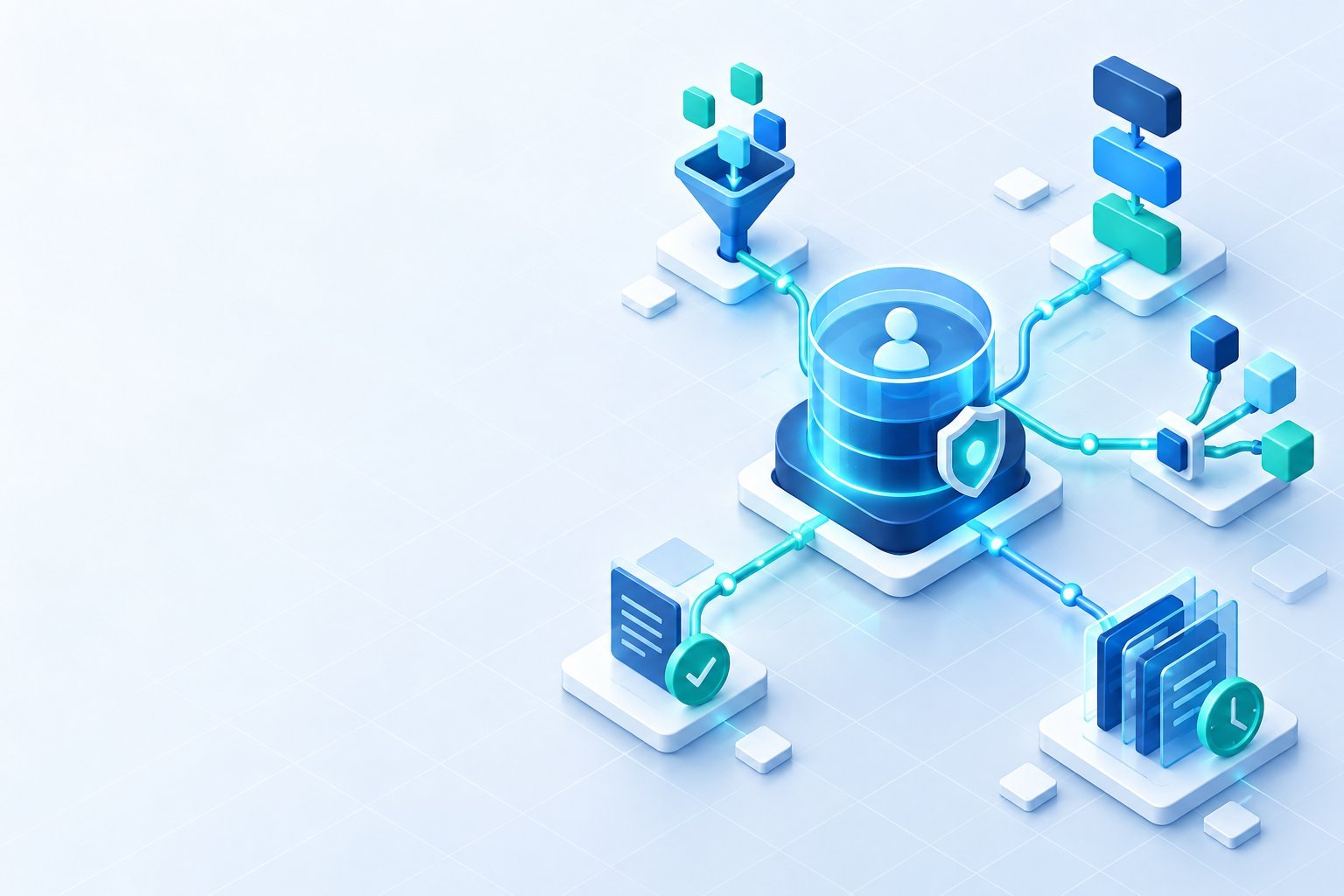
n8n is a workflow automation platform for connecting applications, APIs, databases, files, and AI steps. For a US product or operations team, the important question is not whether n8n can connect two tools. The better question is whether the team can operate the resulting workflow safely when credentials expire, a downstream API slows down, or an AI step returns an unexpected answer. This guide explains where n8n fits, how to evaluate it, and which controls make a workflow ready for production.
What n8n is best at
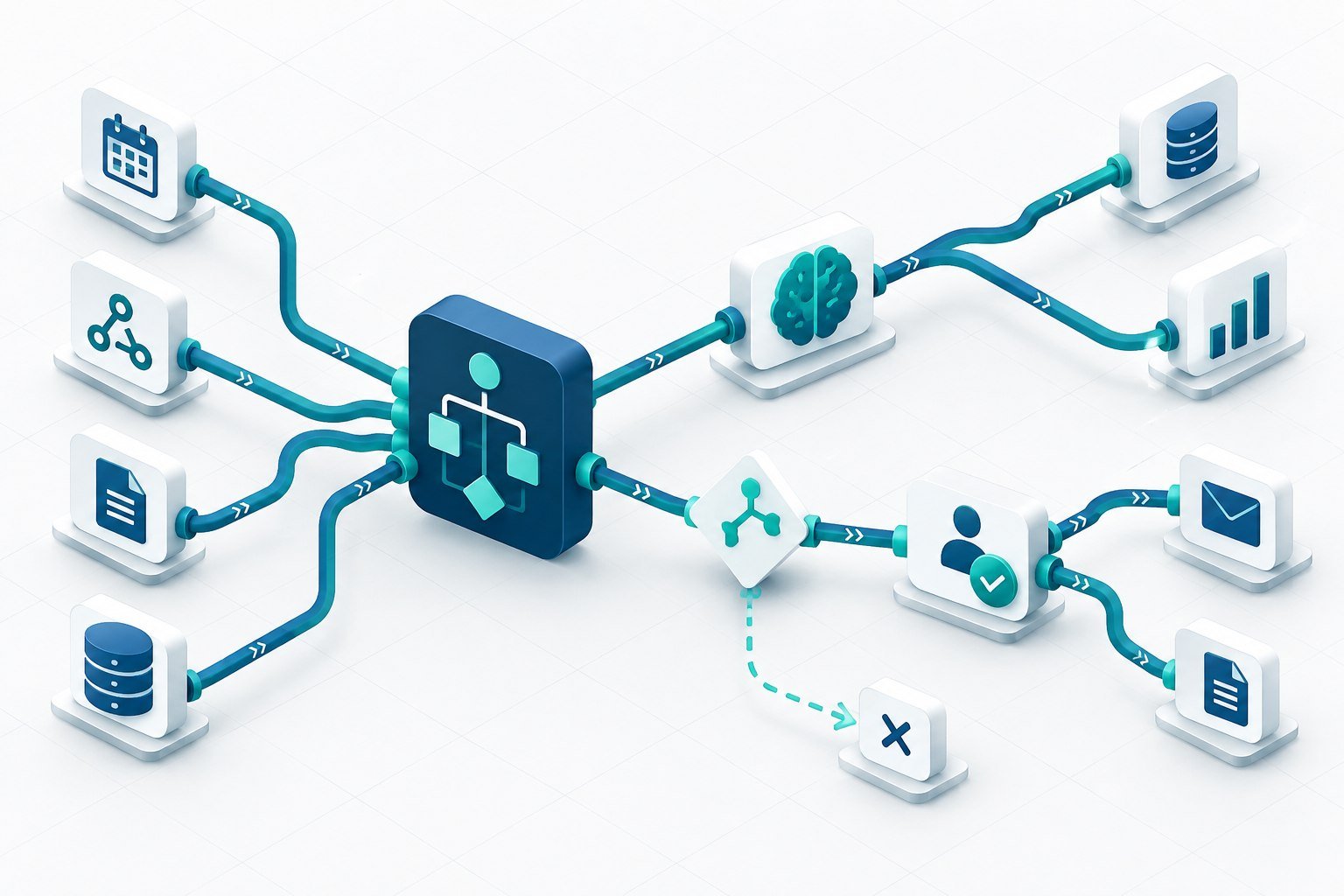
n8n gives builders a visual workflow made of connected nodes. A node can receive a webhook, transform data, call an API, query a database, route a condition, or pass context to an AI model. The visual map helps an engineer and a process owner discuss the same execution path. Teams can also add code when a standard connector does not express a business rule clearly. That combination is useful for internal operations, product integrations, data synchronization, and small agentic workflows that need explicit steps.
The platform is most valuable when a process crosses several systems and the handoffs are currently hidden in spreadsheets or ad hoc scripts. Examples include qualifying an inbound request, enriching an account, opening a ticket, notifying an owner, or recording a product event. A workflow should have one clear purpose and an owner who can explain its inputs, outputs, failure behavior, and business impact.
Hosted or self-managed deployment
Start by deciding where execution should run. A hosted deployment can reduce infrastructure work and speed up a proof of concept. A self-managed deployment can give a technical team more control over network boundaries, runtime configuration, and data locality. The correct choice depends on the information that passes through the workflow, the team’s ability to patch and monitor the service, and the availability requirements of the business process. Do not treat self-hosting as automatically safer. It moves responsibility for upgrades, backups, secrets, logs, and incident response to your team.
A practical implementation sequence
- Map the systems of record. Write down which system owns each customer, order, ticket, or event field. Avoid a workflow that silently lets two systems overwrite one another.
- Define the trigger contract. Specify required fields, accepted formats, authentication, and what happens when the trigger is repeated.
- Design idempotency. Use a stable external ID or execution key so a retry does not create a duplicate customer, invoice, or notification.
- Scope credentials. Give each workflow only the permissions it needs. Separate development, staging, and production credentials and rotate them through an approved secret store.
- Set timeouts and retries. Retry transient failures with a limit and backoff. Route permanent errors to a queue or owner instead of looping forever.
- Record useful evidence. Capture correlation IDs, status, duration, and error category while excluding unnecessary personal or secret data.
Using AI steps responsibly
AI can classify a request, extract fields, draft a response, or choose among bounded tools. It should not be the only control for an irreversible action. Give the model a small context window, a typed output schema, and explicit allowed values. Validate the result before it reaches a CRM, billing system, or customer-facing channel. Add a human approval branch for sensitive decisions, and keep an evaluation set with representative successes, ambiguous inputs, and adversarial cases. Measure both task quality and operational cost, including token spend, latency, retries, and review time.
Production observability and ownership
A green workflow editor is not an operations plan. Decide who receives an alert, how an execution is replayed, and whether a failed item can be safely resumed. Track throughput, success rate, p95 latency, retry count, and records sent to a dead-letter queue. Keep a short runbook beside the workflow with dependencies, expected payloads, escalation contacts, and rollback steps. Review permissions and unused nodes after each material change.
When n8n may not be the right fit
A small one-step integration may be easier to maintain in a native product feature. A high-volume data pipeline may require a dedicated queue, stream processor, or warehouse transformation layer. A regulated workflow may need controls that are not available in the selected deployment. Compare the total operating model, not only the number of connectors. The best choice is the tool your team can secure, test, monitor, and change six months after launch.
Evaluation checklist for a US team
Run a short pilot with a real but low-risk process. Ask whether the workflow is understandable to a new maintainer, whether credentials can be rotated without downtime, and whether a replay is deterministic. Test malformed input, duplicate events, rate limits, partial outages, and revoked permissions. Estimate monthly execution volume and the cost of every external API. Confirm that logs are retained for the period your support and security teams need, and document the data that leaves your environment.
How DeepVention Labs can help
DeepVention Labs helps US teams turn an automation idea into an owned production workflow. Our workflow automation engineering service can map system boundaries, implement retries and approvals, connect APIs, and establish release checks. Start with the official n8n documentation for current deployment details, then use a measured pilot to decide whether n8n belongs in your long-term stack.
Questions to answer before launch
Ask who can stop the workflow, who can approve a replay, and which records may be changed without review. Confirm that a support engineer can find one execution from a customer report using a correlation ID. Decide how a schema change is announced to downstream owners and how an old version is retired. If the workflow calls an AI service, record the model and prompt version with the business result. Finally, estimate the cost of a busy month and the cost of a failed month, including manual recovery. These answers turn a promising n8n canvas into a service that an operations team can trust.
Bottom line
n8n is a strong option when a team needs a visible workflow, broad integration surface, and room for code or AI steps. Its success depends on architecture discipline. Define ownership, data contracts, permissions, retries, observability, and approval points before connecting a high-impact system.
Building a system around this problem?
Explore the engineering services behind secure AI agents, intelligent applications, and workflow automation.